par Gamache Média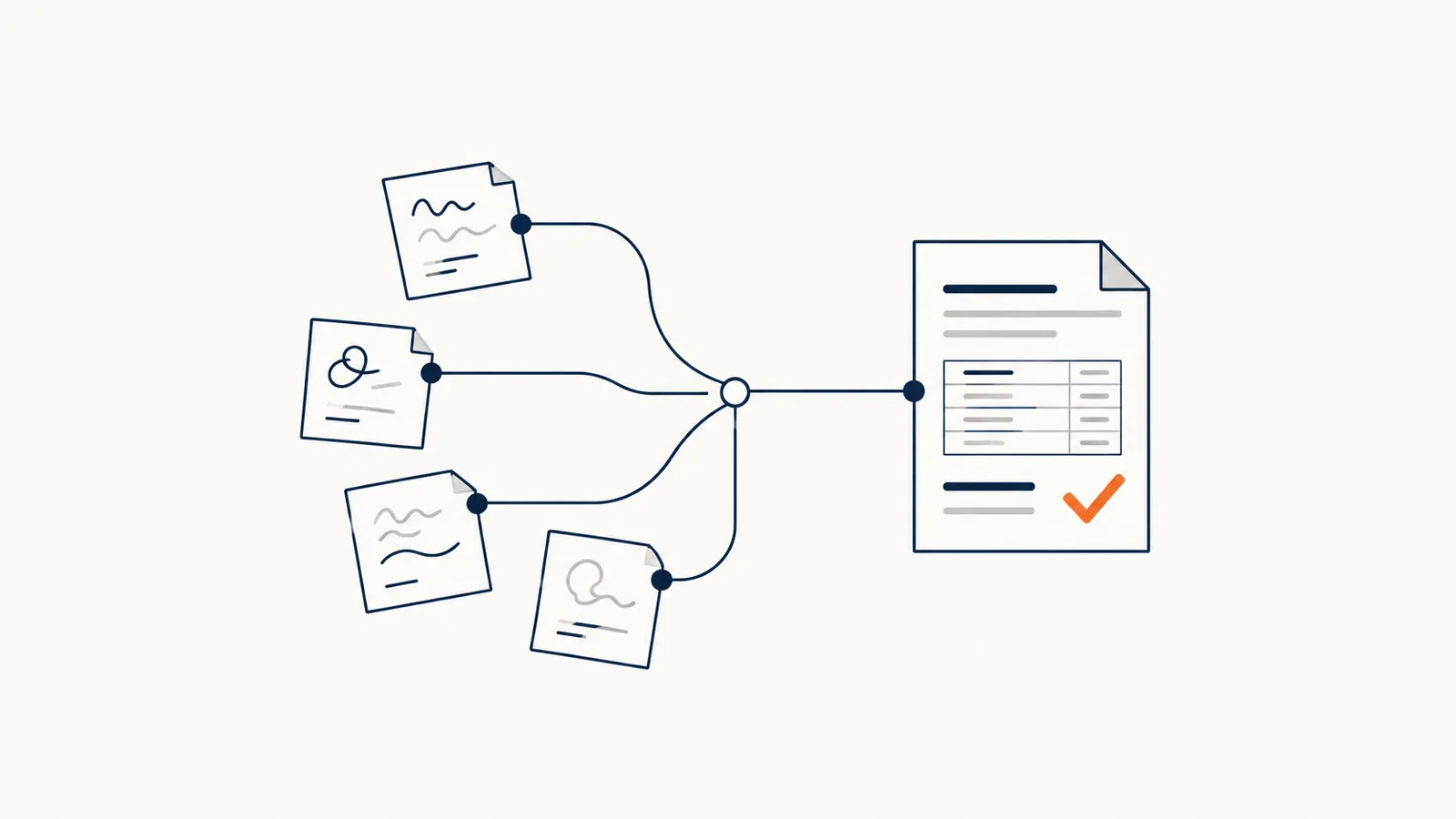
AI can help turn meeting notes, conversations or a dictated recap into a draft quote. To get a useful document, you need to give it reliable sources, a template and verification rules. The services, prices and terms must be confirmed by the person in charge before anything goes out.
In brief
- AI prepares the draft; an authorized person approves the services, prices and terms.
- Every piece of information must come from an approved source: notes for the need, a current list for prices, the template for terms.
- Missing information must be flagged, never made up.
- Automatic sending is optional: just preparing the document already lightens the workload.
The goal is to make it easier to put together an offer from the work your team has already done. The quality of the information collected is still what makes the difference.
What sources do you need to gather?
Start with the quote template your company already uses. Identify the required sections: contact details, description of the need, service line items, quantities, prices, options and terms.
Next, decide which source is authorized for each piece of information. Site visit notes can describe the need; an approved list supplies the prices; a reference document holds the commercial terms. An old quote shouldn't be reused automatically if its rates or terms are no longer valid.
When information is missing, the draft should say so. A blank field to fill in is better than a made-up amount or commitment.
How do you organize the preparation?
- Collect the information. Gather the notes and documents relevant to the file, along with their references.
- Prepare the draft. Arrange the information in the company template, separating what is certain from what still needs confirming.
- Check the data. Verify quantities, pricing references, options and any discrepancies.
- Approve the offer. Have the authorized person review the services, amounts and terms.
- Connect the follow-up. Save the approved version in the customer file and set up the signature or the follow-up according to the process you've chosen.
Automatic sending isn't a required step. A first project can stop at preparing the document and still make the work simpler.
What commercial checks should you plan for?
| Item | Useful check |
|---|---|
| Price | Does it match an authorized, current source? |
| Quantity | Was it provided or confirmed? |
| Option | Is it clearly separated from the base offer? |
| Terms | Do they come from the approved template? |
| Delivery | Has the team confirmed the timeline? |
| Version | Do we know which document was approved and sent? |
Exceptions need to be planned for as well: a negotiated price, conflicting information or an addition requested after approval. When the rule isn't clear, the document should go back to a person.
What does real-world use look like?
The in-house case study featured on our site describes an application used at Gamache Média that picks up the conversations, extracts the line items and prices, generates a PDF and ties the signature to the file's progress in the CRM.
That setup shows the value of linking document preparation to customer follow-up. On its own, it doesn't prove a measurable time saving that applies to every business. The outcome depends on the quote template, the quality of the sources and the checks required.
How do you measure the result on your own files?
Compare several quotes of similar complexity before and during the pilot. Measure preparation and correction time, the number of missing pieces of information and the discrepancies caught during review.
Also ask your salespeople whether the document accurately reflects what was discussed with the customer. A quote that is produced quickly but is hard to verify may simply shift the work somewhere else.
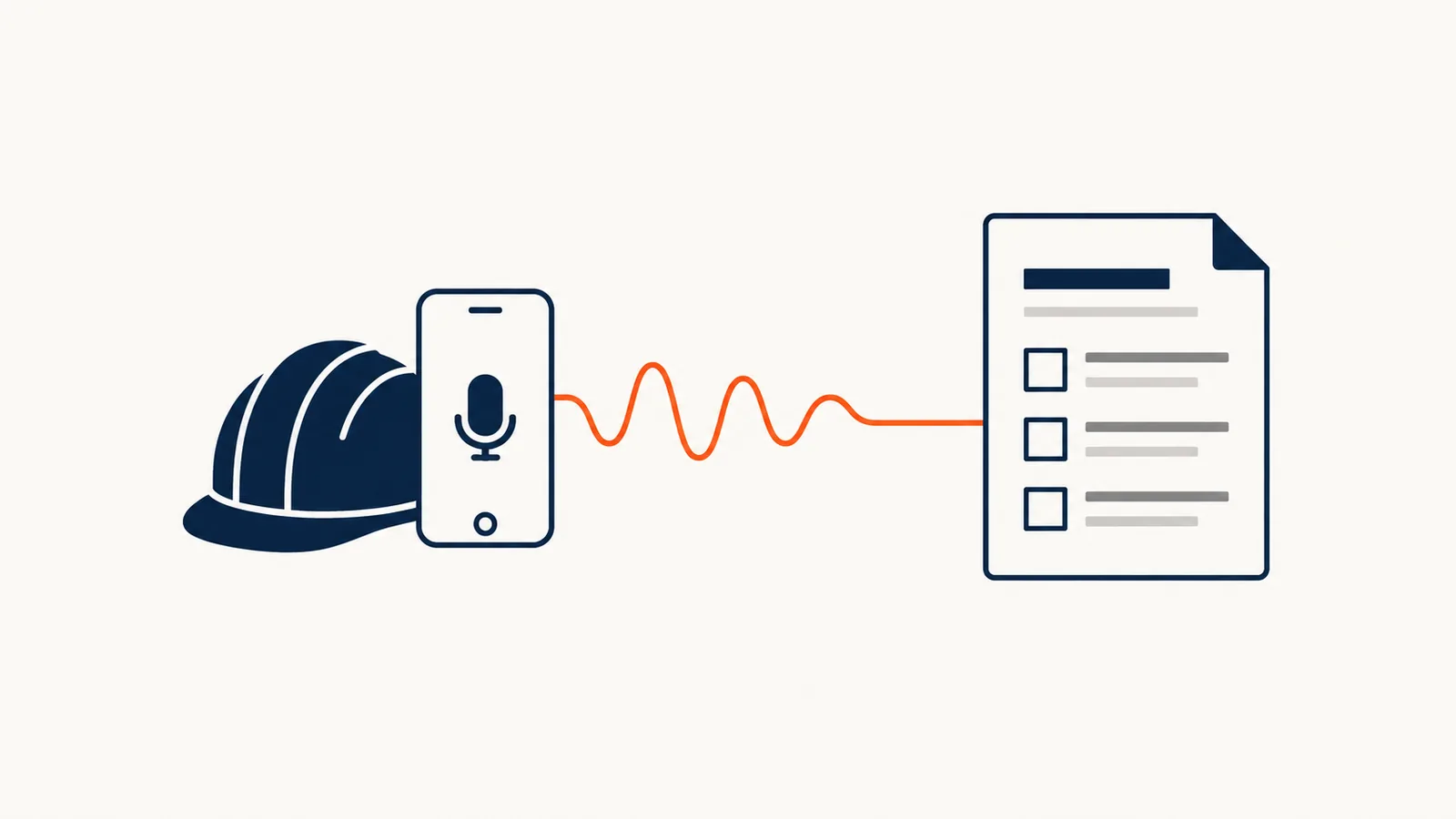
To set up a first trial, choose a common type of quote and a few representative examples. Our AI for sales and customer service offering lets you define that scope with your team. You can also read about the costs to plan for in an AI project before talking with us. If your notes are taken on the road, see how a voice note becomes a document.
Frequently asked questions
Can AI set the prices on a quote?
It shouldn't. It can pull prices from an approved, current list, but the commercial decision, whether that's a discount, a negotiated price or a commitment, belongs to the authorized person.
Do you need a CRM to automate your quotes?
No, but that's where the benefit is clearest. Linking the approved quote to the customer file avoids double entry and lets you track the signature and the follow-ups.
What happens if the notes are incomplete?
The draft should say so clearly, with a field left to fill in. A tool that fills the gaps with guesses creates errors that cost more than the time it saves.
Which type of quote should you start with?
The most common and most standard one. Quotes that are rare, heavily customized or full of exceptions are poor candidates for a first trial.