par Gamache Média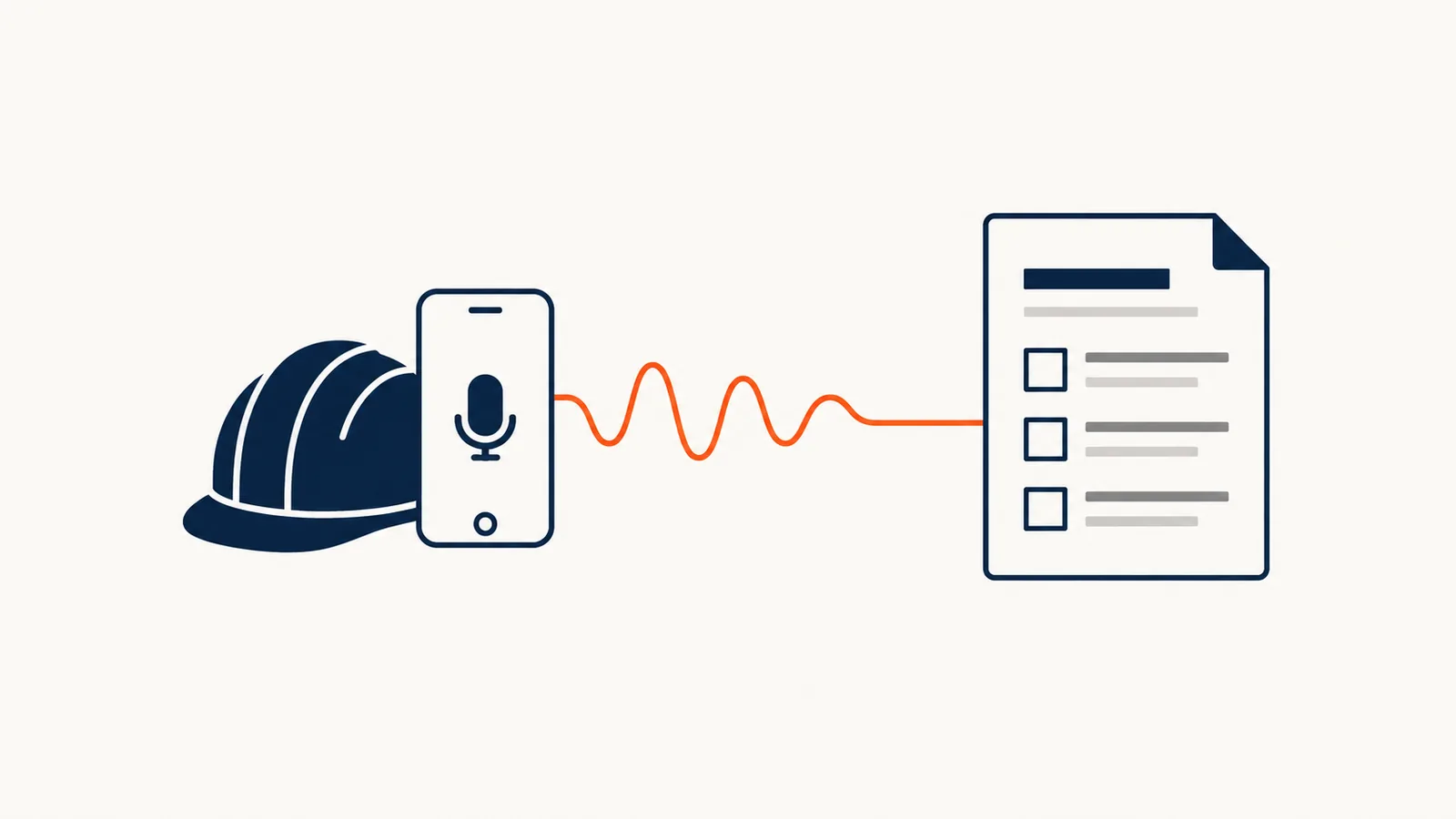
In the field, an employee can dictate what they did instead of filling out a form. AI transcribes the voice note, pulls out the useful details (customer, location, hours, materials, work to schedule), and drafts a work order or report for the office to review. Dictation replaces the retyping, not the sign-off: billable hours and amounts are still confirmed by a person.
In brief
- The employee talks, the AI structures, the office reviews.
- The gain comes from the retyping you avoid and the details captured while they are fresh, not from the transcription itself.
- Proper names, addresses, and numbers are the weak spots: they have to be reread.
- A trial in real conditions, with noise, gloves, and a weak signal, is essential.
Why does field information get lost?
A technician wraps up a service call at the end of the day. They jot three words in a notebook, or promise themselves they'll fill out the form tomorrow. By tomorrow, they've forgotten which part was replaced, the exact arrival time, and the customer's comment about a second problem.
The office then gets an incomplete report, calls the employee back, corrects the invoice, or lets a sales opportunity slip by. The problem isn't a lack of goodwill: filling out a form on a phone, standing up, with dirty hands, is a task everyone puts off.
What should a voice note capture?
AI can only structure what was said. A short checklist that the employee runs through out loud gives much better results than free-form dictation.
| Information | Why it matters |
|---|---|
| Customer and location | Ties the note to the right file |
| Arrival and departure times | The basis for billable hours |
| Work completed | The content of the work order |
| Materials and parts used | Invoicing and inventory |
| Problems found | Follow-up, warranty, safety |
| Work to schedule | An opportunity for a quote |
| Customer comments | Service quality |
Six or seven points, always in the same order: it's a habit that takes a few days to form.
How does a voice note become a document?
- Dictate. The employee records the note on their phone, ideally before leaving the site.
- Transcribe. The speech is converted to text.
- Structure. AI sorts the information into the work order fields and flags what's missing.
- Review. Someone at the office rereads, corrects, and confirms the hours, parts, and amounts.
- Send. The approved document goes to the customer file, invoicing, or scheduling.
Step 4 is not optional. A work order is used for billing: it should never go out without a review.
What limits should you know about?
Speech recognition tends to get things wrong exactly where mistakes are expensive:
- proper names: customers, streets, part brands
- numbers: "fifteen" versus "fifty," model numbers, quantities
- trade vocabulary: technical terms, in-house abbreviations
- noise: compressors, traffic, wind
- mixed languages: English and French in the same sentence, which is common on job sites in Quebec
Two simple safeguards: have employees repeat or spell out important numbers in the voice note, and give the tool your list of customers, addresses, and common parts so it recognizes the right terms. Plan for no signal, too: the note should be recordable offline and sent later.
How do you test before rolling it out?
Pick two or three employees who volunteer and a single type of job. For two weeks, compare the documents produced by dictation with your usual reports:
- How many fields does the office have to correct?
- What information is still missing, and why?
- Are employees really dictating on site, or from memory that evening?
- Is the office calling crews back less often?
Above all, listen to the people in the field. If the tool makes their life harder, they'll stop using it, and the project will end on its own.
Where do you start?
Take ten recent jobs and ask yourself what information the office was missing. That's your list of fields. The guide AI vs. traditional automation explains why dictation is a job for AI, while sending the approved document to your software only takes a simple rule. For the work to schedule that gets spotted on site, see also how to automate quote preparation.
Our process automation page covers other applications for field teams, and the industries page gives examples by trade. To go over it with your current work orders in hand, let's talk about your business.
Frequently asked questions
Do employees need a special app on their phones?
Not necessarily. Depending on the solution, dictation can go through an app, a voice message, or a simple phone call. The right choice is the one your employees will use without thinking about it.
Does dictation work with Quebec accents and bilingual crews?
Generally yes, but quality varies with the tool, the accent, the trade vocabulary, and the background noise. Crews in Quebec also tend to mix English and French in the same sentence, which is one more thing to check. That's why the trial has to happen with your employees, on your job sites, and not in a meeting room.
Are the recordings kept?
That's something to decide and put in writing. Keeping the audio helps you check a doubtful transcription, but recordings are also personal information you have to protect. Set a retention period and let employees know.
Can you invoice directly from the voice note?
We advise against it. Dictation prepares the document; a person confirms the hours, parts, and amounts before anything is invoiced.