par Gamache Média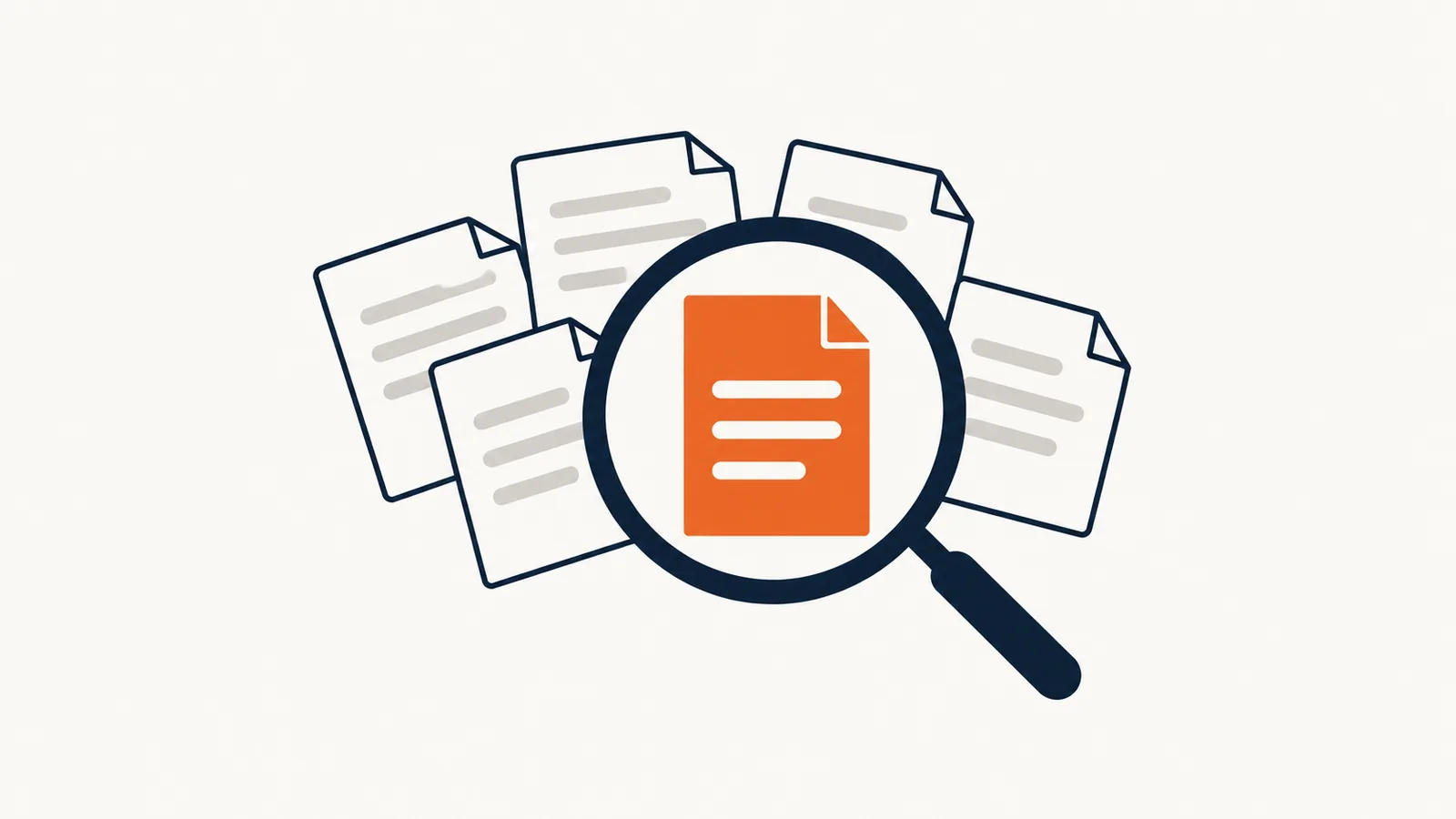
A document assistant lets your team ask a question in plain language and get an answer drawn from your own documents: procedures, contracts, spec sheets, internal policies. To be useful, it has to cite the source of every answer, respect the access rights you already have in place, and say clearly when it can't find the information.
In brief
- The assistant answers from your documents, not from general knowledge.
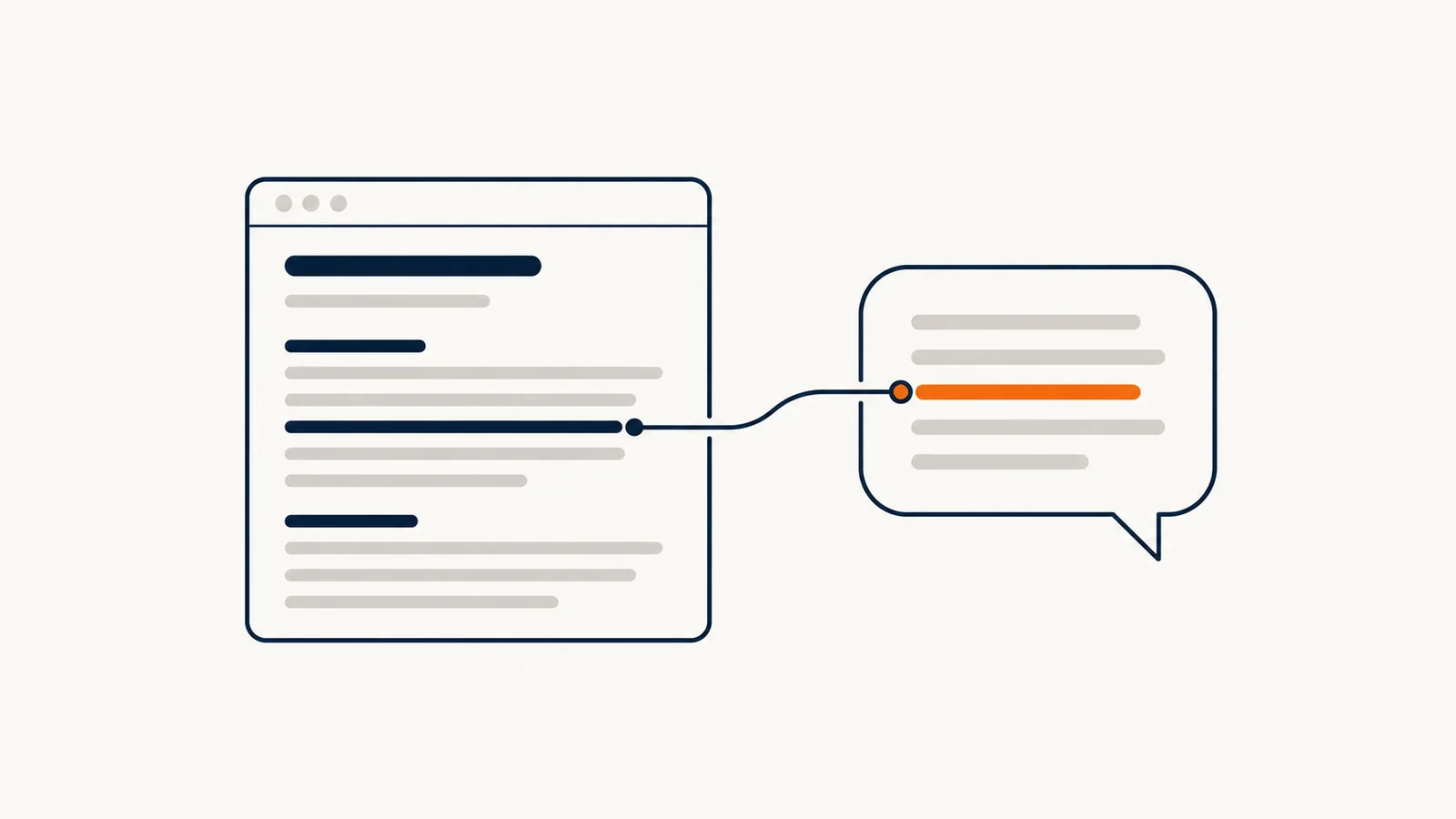
- Every answer should point to the original document and passage.
- Permissions should mirror your folder permissions: people don't see what they aren't allowed to see.
- "I can't find that" beats a made-up answer.
What problem does a document assistant solve?
In many small businesses, the information exists, but nobody knows where it is. The procedure for opening a new file is in an email from 2023. A supplier's terms are in a scanned PDF. The right version of the form lives on one person's computer.
The result: the same coworker keeps getting interrupted, someone recreates a document that already existed, or an old version gets applied. A document assistant doesn't create new information. It makes what you already have accessible.
Which documents do you need to prepare?
The quality of the answers depends directly on the quality of the sources. Before you connect anything, sort things out.
| Step | Question to ask |
|---|---|
| Inventory | Which documents does the team really use? |
| Version | Which version is current, and who owns it? |
| Duplicates | Are there several conflicting copies of the same document? |
| Format | Is the text readable, or is it a scanned image? |
| Sensitivity | Who is allowed to see this document today? |
| Updates | How will the assistant know a document has changed? |
Start with a small, well-maintained set, such as one department's procedures, rather than the entire file server. An assistant connected to outdated documents repeats mistakes with confidence.
How do you handle permissions?
This is the point most often overlooked. If the assistant can read every folder, it can also reveal what's in them to anyone. An employee who asks "What is the compensation package for managers?" shouldn't get an answer if they don't have access to that folder.
The principle to insist on: for each person, the assistant only consults the documents that person can already open. Your existing access rights remain the reference. Ask to see this working in a trial, with two accounts that have different rights, before anything goes live.
What should the assistant do when it doesn't know?
A language model always produces a plausible sentence. That's its strength and its risk. Three rules limit that risk:
- Cite the source. Every answer names the document and the passage it used, so it can be checked.
- Refuse to guess. If nothing in the sources answers the question, the assistant says so and suggests who to ask.
- Flag contradictions. If two documents disagree, it shows both rather than picking one.
Test all three behaviors with trick questions: one whose answer doesn't exist anywhere, one about a document that has been withdrawn, and one that is ambiguous.
How do you measure whether the tool is useful?
The number of questions asked doesn't tell you much. Look instead at:
- the share of answers judged correct by the person who asked
- the questions left unanswered, which reveal the documents that are missing
- how often someone still interrupts a coworker for the same information
- how long it takes a new hire to work independently
Unanswered questions are often the most valuable result: they show what the business knows but has never written down.
Where do you start?
Pick one department, about twenty up-to-date documents, and ten questions the team really asks. That's enough to judge. If you're weighing this option against another, the guide AI for small business: how to pick a useful first project offers a comparison grid, and AI vs. traditional automation helps you see whether a simple document search would do the job.
Our process automation page covers other ways to keep information moving through your business. To go over it with your own documents in hand, let's talk about your business.
Frequently asked questions
Does a document assistant replace a well-organized file system?
No. It makes good filing more useful, but it doesn't replace it. Conflicting or outdated documents produce conflicting or outdated answers.
Are our documents sent outside the company?
That depends on the solution you choose. It's a question to ask before you decide: where are the documents processed, where are they stored, and are they used to train a model? The answers should be in writing in your agreement.
Can it work with scanned documents?
Yes, as long as the text is readable after character recognition. Poor-quality scans, complex tables, and handwriting give uneven results: test them before you commit.
How many documents do you need to get started?
Not many. Twenty or so reliable documents are worth more than two thousand unsorted ones. You can expand from there, one department at a time.