par Gamache Média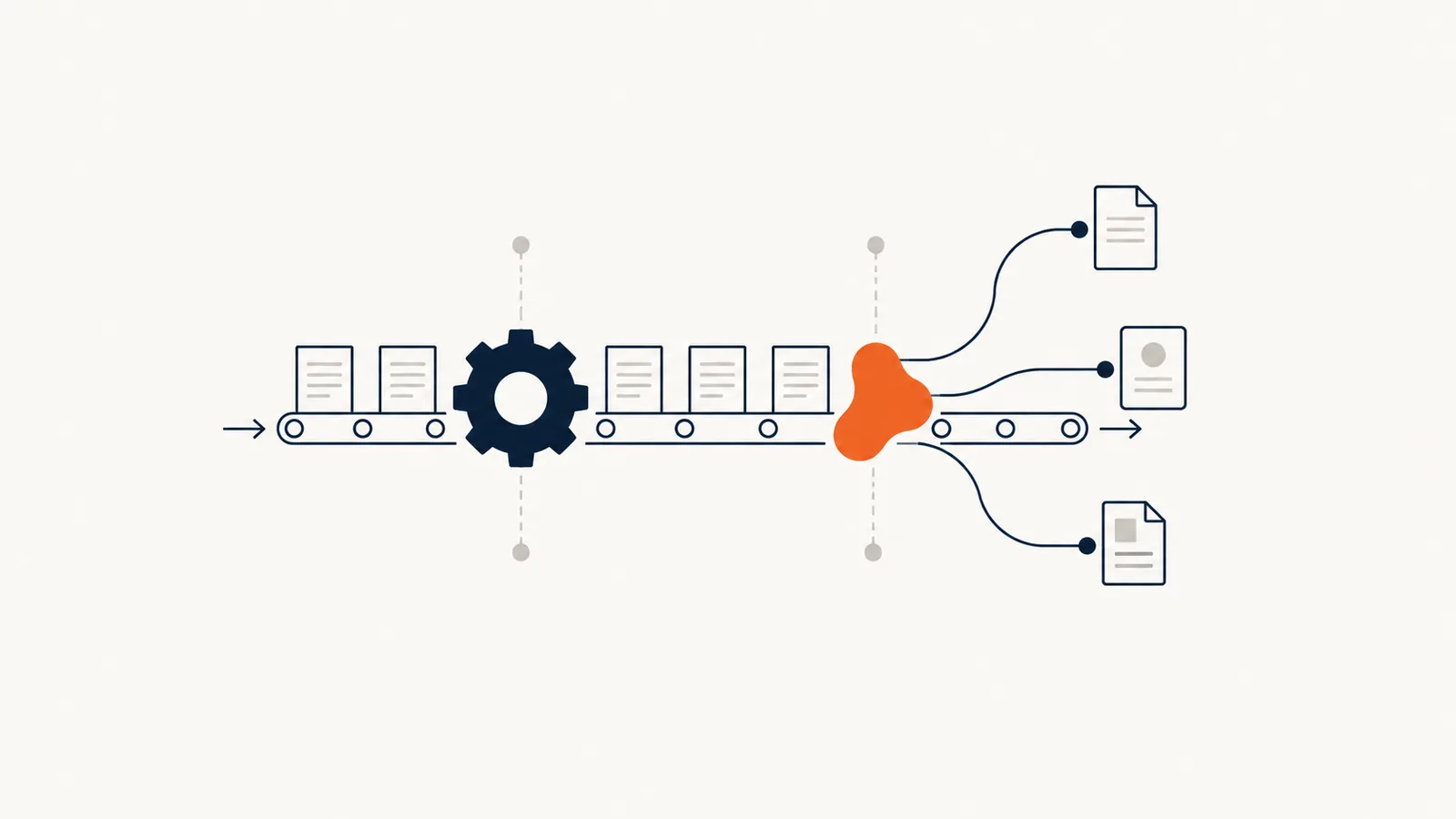
Traditional automation follows predefined rules to carry out a task. Artificial intelligence can help interpret less structured content, such as an email, a voice note or a document. In a small business, one solution can combine both: AI prepares the information, then rules control what gets passed on to your software.
In brief
- Structured data and known rules: traditional automation is often enough.
- Free-form text, voice, varied documents: AI can help with interpretation.
- The two work together: AI prepares, rules control.
- Either way, plan for how exceptions get handled and set limits on what the system can do.
The right choice depends on the work to be done and how much uncertainty you can accept. Calling something "AI" doesn't automatically make it more useful.
When is traditional automation enough?
Take a web form with known fields: name, contact details, preferred date and type of service. If that information needs to create a task in your operations software, a rule-based connection may be all you need.
The workflow checks the required fields, looks for a possible duplicate, creates or updates the record and flags any errors. The information doesn't necessarily need to be interpreted by an AI model.
This approach also works well for notifications, structured data transfers and some follow-up steps. The rules still need to be documented and maintained as your tools change.
When does AI become useful?
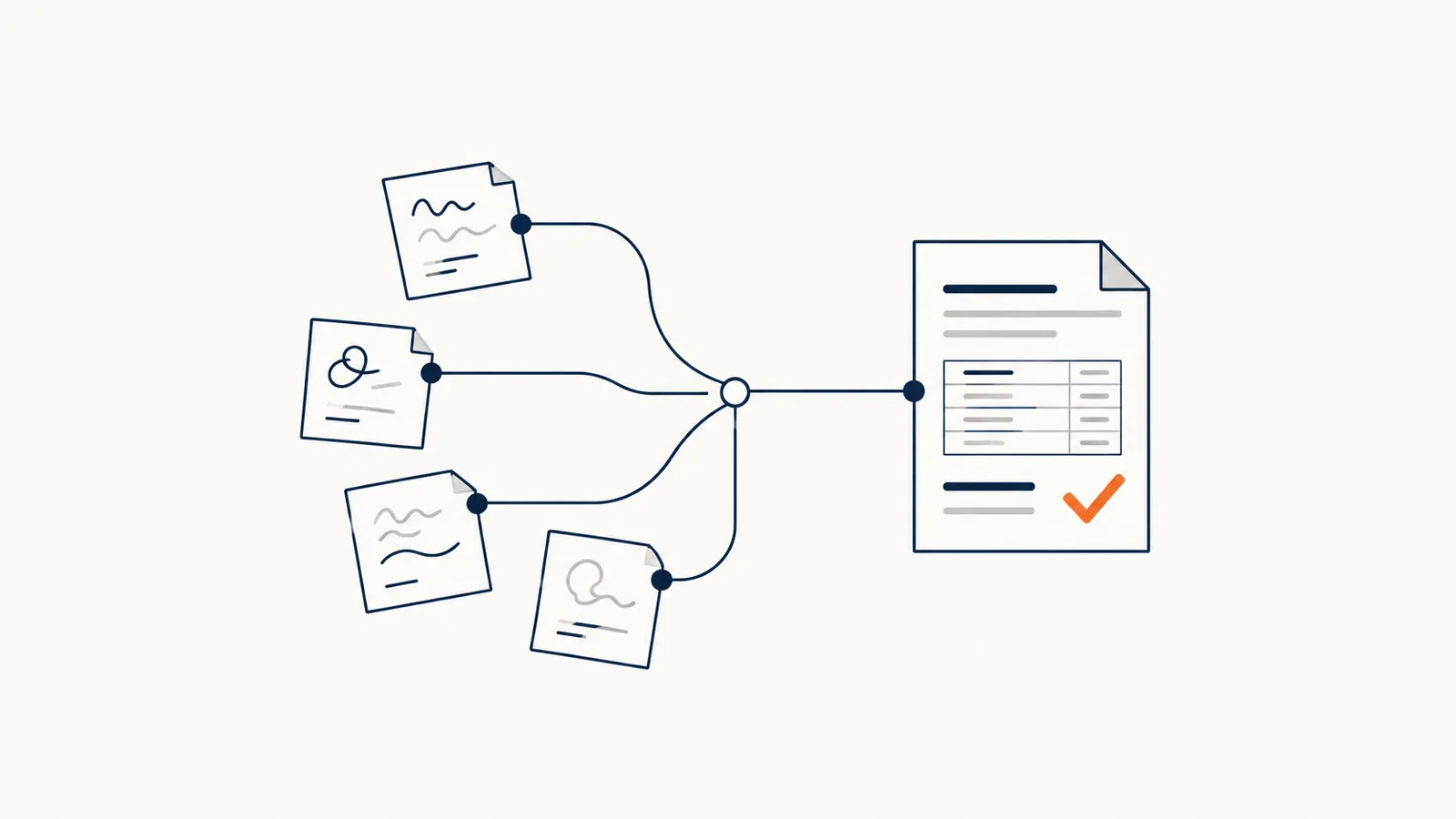
A request arrives as a free-form email. The customer describes what they need without following any form. An AI step can help pull out the service requested, summarize the context or draft a reply.
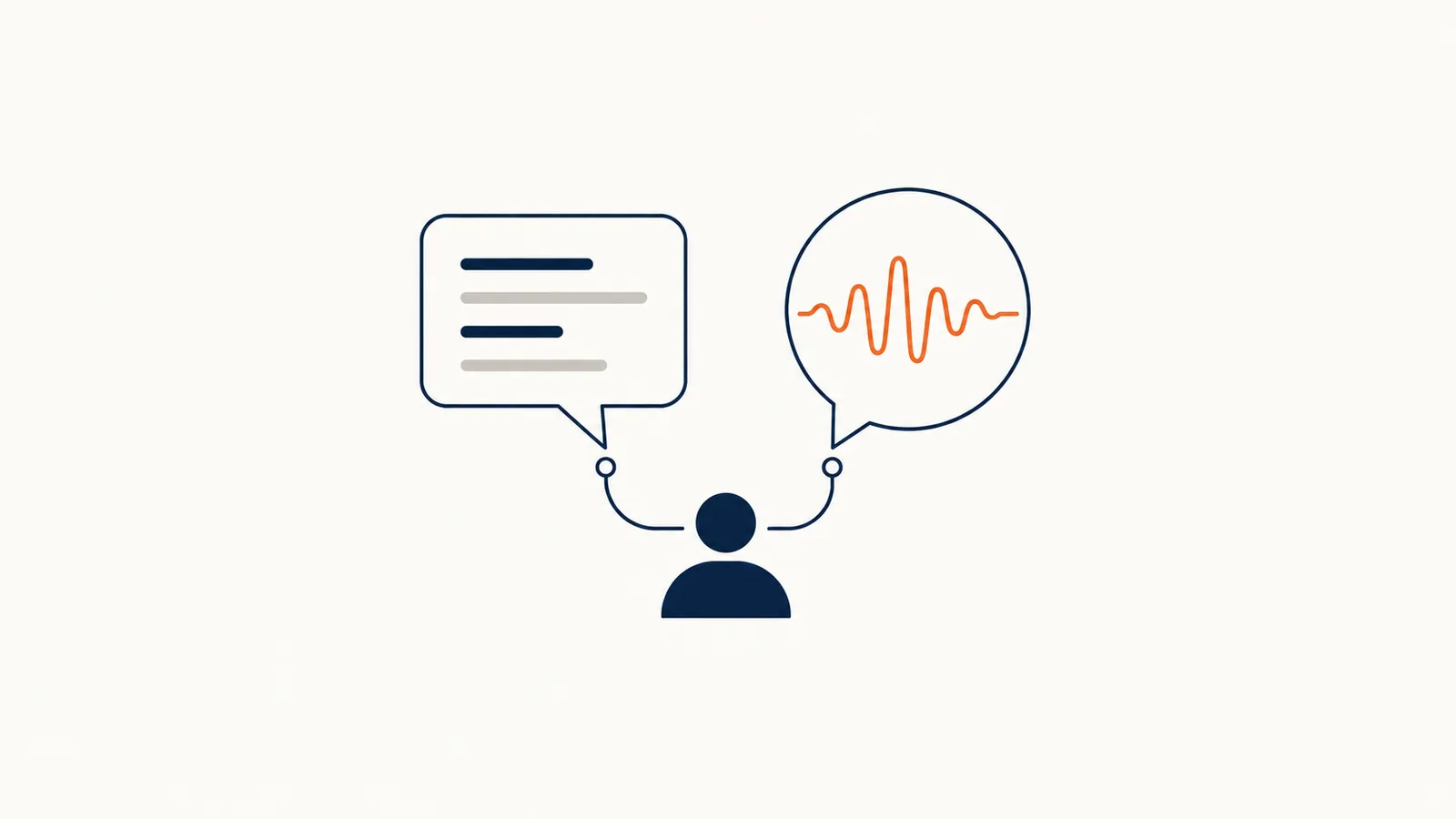
Another example: after a site visit, a sales rep dictates their notes. AI can organize the information into a draft quote. Approved rates, terms and the actual sending all stay governed by company rules and the team's sign-off.
Interpretation has to be kept in check. Information that isn't in the source document should never be turned into a certainty.
How do the options compare by situation?
| Situation | Recommended starting point | Safeguards to plan for |
|---|---|---|
| Transferring fields from a form | Traditional automation | Required fields, duplicates and transfer errors |
| Sorting free-form emails | AI with defined categories | Ambiguous cases routed to a person |
| Preparing a quote from notes | AI plus a document template | Services, prices and terms verified |
| Sending a reminder based on a date | Automation rule | Recipient, status and cancellation |
| Searching through procedures | Document search, possibly AI-assisted | Sources, access rights and "no answer found" |
These examples are meant to guide your thinking. The technical choice has to be confirmed against the project's actual data and constraints.
How should exceptions be handled?
A useful solution makes errors visible. If a field is missing, a date is ambiguous or the receiving software is down, you need to know where the file is waiting and who can pick it up.
Ask three questions before going live: How do we recognize uncertain information? Who checks it? How do we avoid processing the same request twice?
Set limits on what the system can do, too. An assistant can prepare a document without being allowed to send it. An automatic transfer can be reserved for files that meet specific conditions.
Where do you start?
Show a task to the person advising you, with its simple cases and its exceptions. Define the expected result, then choose tools that can produce it with the necessary safeguards.
Our process automation page shows how this approach is applied. For a concrete document-preparation example, read our guide to automating your quotes with AI. For searching through your procedures, see the document assistant.
If you're torn between several ideas, our AI assessment can help get the conversation started.
Frequently asked questions
Is AI always better than traditional automation?
No. For structured data and known rules, traditional automation is more predictable, easier to verify and cheaper to run. AI becomes useful when the content to be processed changes from one time to the next.
Can you combine AI and automation in the same solution?
Yes, and it's often the best approach. AI interprets the free-form content, such as an email or a dictated note, and traditional rules then control what gets passed on to your software.
Does an automation need maintenance?
Yes. When a piece of software changes its fields, its access settings or the way it works, the rules have to be adjusted. Decide who watches for errors and who steps in.
How do you know whether a task needs AI?
Ask yourself whether a person has to "read and understand" something to do the task. If so, AI can help. If the task is about moving information that is already structured, rules are probably enough.